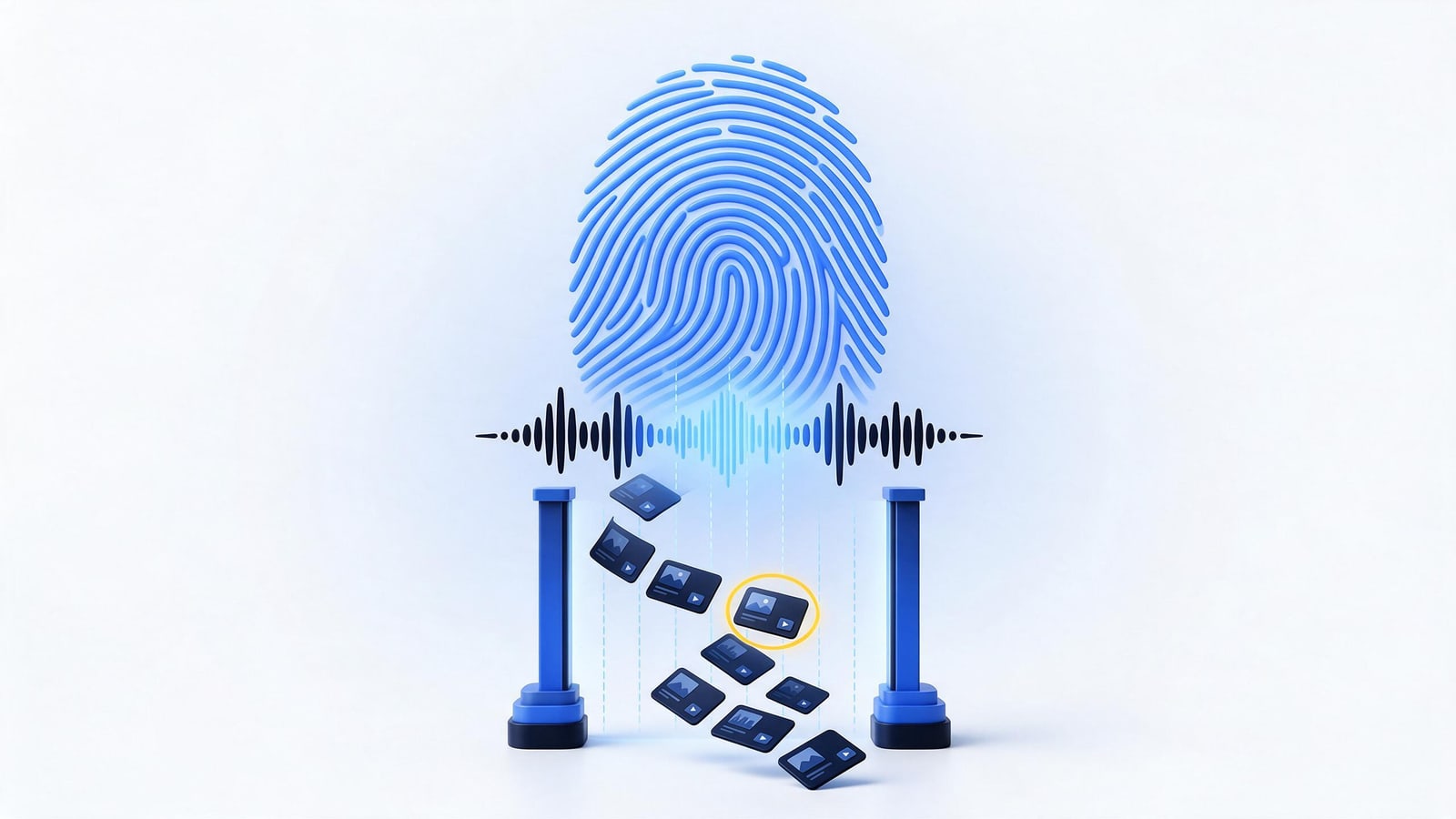
YouTube Content ID is an automated matching system, not a legal process. Rights holders who qualify upload reference files, the original audio or video they exclusively control, and YouTube fingerprints every new upload and compares it against that database. A match generates a claim, and the reference owner's standing policy decides what happens: the video is blocked, tracked, or monetized in the claimant's favor. That one sentence explains most of what you see in YouTube Studio.
The distinction people get wrong is severity. A Content ID claim is not a copyright strike and not a DMCA takedown. Those are separate mechanisms with separate consequences, and confusing them leads to bad decisions at the worst moments. This page covers the full system: how matching works, who gets access, how disputes actually unfold, where the system breaks, and what to do when your problem is bigger than one claim.
What Content ID Is, and Why It Isn't the DMCA
YouTube launched Content ID in 2007, the same year Viacom sued the platform for a billion dollars, alleging massive infringement on the service. That litigation, Viacom v. YouTube, ran through the federal courts for years around the DMCA safe harbor question and settled in 2014. It made the pressure plain: manual notices could never scale to YouTube's upload volume, and the platform's protection depended on keeping its safe harbor under 17 U.S.C. §512. Content ID was the answer, an automated, private system built on contracts with approved partners, running alongside the statute rather than inside it.
The distinction is practical, not academic. A DMCA takedown is a legal notice that triggers statutory duties: removal, a counter-notice window, then restore or sue. A Content ID claim triggers none of that. It is governed by YouTube's terms and the partner agreement, and your remedies live inside YouTube Studio until someone escalates. For a fuller breakdown, see our page on the difference between copyright and the DMCA and our explainer on how DMCA safe harbor works.
How Fingerprint Matching Works: Reference File to Claim
The mechanics are simpler than the mythology suggests:
- An approved rights holder uploads a reference file, the complete original recording or video they control.
- The system extracts a fingerprint: a compact, content-based description of the work's distinctive audio and visual features.
- Every new upload is fingerprinted the same way and compared against the reference database in seconds, before the video publishes.
- A match above the similarity threshold generates a claim on the new upload.
- The claim applies the owner's standing policy, monetize, track, or block. You see it in YouTube Studio; the claimant sees it in their rights-management dashboard.
Fingerprints are content-based, so renaming a file, cropping the frame, or shifting speed a few percent usually will not defeat a match. Matching also runs in both directions: when a partner adds a new reference, the system scans videos already on the platform, which is why uploads from years ago can receive fresh claims out of nowhere.
The design is voluntary in the United States. In the EU, something similar is now a legal duty: Article 17 of the 2019 copyright directive requires major platforms to prevent re-uploads of unlicensed works, and outcomes for EU viewers and creators can differ accordingly. See our explainer on EU Article 17 upload filters, or how content fingerprinting works for the underlying technology.
The Policy Set: Monetize, Track, or Block
Monetize. The claimant's ads run on your video, and the ad revenue flows to the claimant instead of you. If you dispute a monetize claim, YouTube holds the revenue until the dispute resolves, then pays the prevailing side. This is the most common claim type and the least visible, many creators don't notice until a revenue report looks wrong.
Track. Your video stays up and stays monetized by you. The claimant receives viewership analytics and keeps a quiet flag on the asset. No revenue comes out of your pocket, but the claim sits there until released, and a track policy can be upgraded to monetize or block later.
Block. The video becomes unavailable, worldwide, or only in territories the claimant selects. A block can stop an upload before it ever publishes; the video stays on your channel, unpublished, rather than removed.
Policies are set per claim, can be changed after claiming, and can be territory-specific. When two partners claim the same asset, that ownership fight is theirs to resolve, though you feel the result in your revenue report. One more detail: partners can file manual claims without an automated match, and since 2019 those claims must include timestamps for the claimed segments. YouTube added that requirement after sustained creator complaints about entire videos being monetized over a few seconds of audio.
Claims, Strikes, and DMCA Removals: Which One Is on Your Channel
Identify the mechanism before you act, because the correct responses differ.
A Content ID claim is an automated or manual match. It attaches to one video, carries no channel penalty, and does not count toward any strike threshold. You dispute it inside Studio, and the worst outcome at the claim stage is the video's revenue or availability.
A copyright strike comes from a formal legal removal request, a DMCA notice or YouTube's equivalent legal webform, covered in our page on filing a DMCA takedown on YouTube. The video comes down, the strike lands on your channel, and three active strikes terminate the channel. Strikes expire after 90 days and can be lifted by the claimant's retraction or a successful counter notice. The three-strike rule is YouTube policy, but it echoes the repeat-infringer condition Congress attached to safe harbor in §512(i). See what a copyright strike is and repeat infringer policies for the mechanics.
A DMCA removal is the statutory notice under §512(c) itself, usable on YouTube, but equally usable against any host or platform. It brings the counter-notice machinery of §512(g) with it: after a valid DMCA counter notice, the host must restore the content within 10 to 14 business days unless the complainant files suit.
The systems connect at exactly one point. When you dispute a claim and the claimant refuses to release it, their remaining escalation is a formal removal request. That lands on your channel as a strike. Claims start harmless; they do not always stay that way.
Who Qualifies for Content ID
YouTube's published criteria are narrower than most rights holders expect. You must hold exclusive rights to a substantial catalog of original content, upload that kind of material regularly, and keep a clean channel history, no unresolved strikes, no community guideline problems. Applications are reviewed case by case, and there is no self-serve signup for small channels.
Music usually gets in through a different door. Most independent artists never apply directly; their digital distributor registers releases with Content ID and takes a share of claimed revenue in return. If you distribute through any major service, check whether YouTube monetization was enabled on your releases. You may already have reference files live without knowing it. We walk through that path in our guide to DMCA enforcement for musicians.
The word doing all the work is exclusive. A non-exclusive license to distribute someone else's recording does not qualify, yet claimants file with those rights all the time, it is the single most common source of bad claims. If your video was claimed over music you actually licensed, the claim may well be wrong, but it will not fix itself; dispute with the license attached. If you came here from the other side wondering what copyrighted music you can use on YouTube, the plain answer is that licensing rarely prevents the claim, it gives you the evidence to win it.
One point that surprises people: you do not need Content ID eligibility to enforce your rights. Content ID is scale enforcement for partners. Individual enforcement, manual removal requests and DMCA notices, works for anyone who can prove ownership. Keep that proof organized before you need it; see how to prove content ownership.
The Dispute and Appeal Flow, Step by Step
- Read the claim. Record who claimed, which asset, what policy is applied, and whether the claimed material is actually present in your edit.
- Dispute in YouTube Studio. Pick the accurate reason, misidentification, licensed use, public domain, or fair use in the US sense, and attach specifics: the license document, timestamps, original project files. Vague disputes lose.
- The claimant has 30 days to act. They can release the claim, uphold it, or let the window lapse. If they do not act, the claim expires and is released.
- If they uphold, you can appeal. Understand what appeal means: the claimant's options narrow to releasing the claim or converting it into a formal legal removal request. There is no middle path anymore.
- If they escalate, your video comes down and your channel takes a strike. Your recourse is then a counter notification under §512(g), a legal document containing a statement under penalty of perjury. Processed properly, the content returns in roughly two weeks unless the claimant sues. Our walkthrough of what happens after a counter notice covers each stage.
- While a monetize claim is disputed, the ad revenue on that video is held. Whoever the dispute resolves for gets paid.
Two cautions. Document everything before you appeal, not after, screenshots of the claim, your license, your original files. And only appeal when you can defend the position, because the downside of escalation is a strike. Fair use arguments are strongest when a human actually reads them; Content ID never considered your context, and the appeal is where someone might.
Where Content ID Fails: Blind Spots and Off-Platform Gaps
Fair use blindness. Fingerprinting matches content; it cannot weigh purpose, commentary, or transformation. Criticism, review, parody, and reaction formats get claimed because the system has no idea what the video is for. The Ninth Circuit held in Lenz v. Universal, the dancing baby case, that rights holders must consider fair use before sending a takedown notice. Consideration costs nothing, though, and enforcement is rare. If you are the rights holder rather than the claim recipient, the mirror-image rule applies: don't fire removal notices at obvious fair use. That invites counter notices and liability exposure, which is the subject of our page on when not to file a DMCA notice.
Covers and re-performations. Content ID fingerprints the sound recording. A re-recorded cover, a live rendition, or a new arrangement produces a different waveform that usually does not match the original recording, even though the composition is still protected. Covers routinely slip past the automated layer, and enforcement falls to publishers acting manually.
Evasion and database gaps. Pitch shifts, tempo changes, cropping, and overlays can push a match below the threshold. And the system protects only what partners have submitted: if you are not a partner, your stolen video is not automatically detected, and someone else can monetize your work until you act.
Over-claiming and abuse. False reference files, public-domain material claimed by aggressive catalogs, non-exclusive licensees claiming as owners, all exist because claims are cheap to file and releasing requires effort. YouTube terminates partners for abuse, but the process is reactive. For notices filed through the DMCA rather than Content ID, §512(f) creates damages liability for knowing material misrepresentation, see fighting back against bad DMCA notices.
One platform only. A flawless claim stops at YouTube's border. Facebook runs its own analog, Facebook Rights Manager, and takes copyright reports through a separate system. A ripped track on a pirate blog is invisible to all of the above. Musicians deal with this constantly: one leak spreads across a dozen sites, and each needs its own notice. Our guide to stolen music online covers that workflow, and our DIY takedown guide shows the mechanics if you want to run it yourself. When volume or repeat infringers outrun your time, professional enforcement becomes the economical answer, and our YouTube content protection service exists for exactly that situation.
YouTube Content ID FAQ
Does a Content ID claim count as a copyright strike?
No. A claim attaches to one video and carries no channel penalty. It does not count toward the three-strike termination threshold, and it never converts into a strike on its own. Strikes come only from formal legal removal requests. The exception: if you dispute and the claimant escalates to a legal removal, that escalation creates a strike, so treat appeals carefully.
What happens to my ad revenue while a claim is disputed?
For a monetize claim, YouTube holds the ad revenue on that video until the dispute resolves, then pays the prevailing side. If the claim is released, the held revenue comes to you. Track and block policies never touch your revenue. Build a specific, evidenced dispute, because the claimant reviewing it is deciding where that money goes.
How long does the Content ID dispute process take?
Roughly a month per stage. After you dispute, the claimant has 30 days to release, uphold, or escalate. An appeal runs on a similar clock. If the claimant converts the claim into a formal removal and you answer with a counter notice, restoration typically takes another 10 to 14 business days, provided no lawsuit follows.
Why did an old video suddenly get a new Content ID claim?
References are matched against the existing library, not just new uploads. When a partner adds a reference file, YouTube scans videos already published, so claims can land on work from years ago. A video you already cleared can also be claimed again if a different partner registers the same asset or the claimant changes policy.
Will Content ID catch a cover of my song?
Usually not. Content ID fingerprints the sound recording, and a re-performed cover produces a different waveform that rarely matches. The composition is a separate right, typically held by a publisher, and covers are enforced manually rather than through automated matching. If covers matter to your business, plan on monitoring and individual notices.
What to Do Next
- Open the claim in YouTube Studio and record everything: claimant, asset, policy, and the exact segment claimed.
- If the claim is wrong, dispute it with evidence attached, license, timestamps, original files. Specifics win; generalities do not.
- Before appealing an upheld claim, decide whether your channel can absorb a strike, because appeal is where claimants escalate.
- If a strike lands, evaluate a counter notice on its merits: it is a legal document with a penalty-of-perjury statement and a restore window of about two weeks.
- If your content is being stolen beyond YouTube or repeatedly inside it, build a real enforcement routine, document ownership, send notices, track outcomes, and read how to choose a DMCA takedown service before deciding whether to run it yourself or hand it off.